ytd v2.0.1

Dangerously Reliable YouTube Downloads

ytd is a reliability-first downloader for unstable networks, anti-bot friction, and serious terminal workflows. Think of this like a smart everyday delivery rider combined with a traffic expert and the power of auto-recovery. It keeps your download moving when ordinary tools stop.

Multi-instance safe Shared cookie lock service Adaptive progress intelligence

Downloader Power in Layman Language

Think of this like everyday stuff combined together:

  • Bash orchestrator engine: acts like the trip manager, combining all helper tools so one download flow starts and finishes reliably.
  • Cookie service with shared cookie file and lock: prepares trusted access and coordinates sessions so the tool can pass platform checks automatically.
  • Adaptive progress controller: detects weak network conditions and changes display mode while keeping the download running instead of freezing.
  • Quality resolver on top of yt-dlp formats: picks the requested quality first, then safely falls back to the nearest working quality if needed.
  • Session isolation plus retry/resume strategy: prevents collisions and recovers interrupted transfers, giving consistent results with fewer failed attempts.
Technical Explanation

  • Bash orchestration over yt-dlp + ffmpeg.
  • Deno-first JS challenge runtime, Node fallback.
  • Shared `cookies.txt` with lock-based refresh for concurrency safety.
  • Session-aware temp/log paths to avoid cross-instance collisions.
  • Adaptive UI: single-line detailed bar by default, low-network mode only when truly degraded.

Docs Hub

Everything a user needs to follow through and download video, audio, or playlists confidently.

How To Use

  1. Run ytd
  2. Paste URL
  3. Choose single or playlist
  4. Choose video or MP3
  5. Select quality and confirm

Platform Notes

  • Linux: fully supported.
  • Windows: use WSL or a Linux VM.
  • macOS: supported because it is Unix based.
  • Distro-agnostic design across Unix-like systems.

Network Behavior

  • Good network: full ETA + speed progress.
  • Very weak network: low-network adaptive mode.
  • Low-network mode means still downloading, not failing.

Technology Combination

Why this version is powerful: multiple reliability layers work together, not separately.

flowchart LR U[User] --> CLI[ytd CLI] CLI --> ORCH[Bash Orchestrator] ORCH --> CK[Cookie Service] CK --> LOCK[Lock-based refresh] CK --> CFILE[cookies.txt] ORCH --> RT[Runtime Selector] RT --> DENO[Deno] RT --> NODE[Node fallback] ORCH --> Q[Quality Resolver] Q --> Y[yt-dlp] ORCH --> F[ffmpeg] ORCH --> P[Progress Controller] P --> DETAILED[Detailed single-line UI] P --> LOW[Low-network fallback UI] ORCH --> O[Output Rules] O --> S1[Single: current directory] O --> S2[Playlist: grouped folder]

Investor Value

Strong differentiation in unreliable network regions. Reliability-focused UX increases trust and repeat usage.

Customer Value

Fewer failed sessions, cleaner output organization, and clearer progress messages that reduce confusion.

Operational Value

Multi-terminal safe architecture and controlled resource behavior simplify scaling usage across power users.

Request Lifecycle

sequenceDiagram participant User participant App as ytd participant Cookie as Cookie Service participant Engine as yt-dlp + ffmpeg User->>App: URL + options App->>Cookie: Ensure cookie state Cookie-->>App: Ready App->>Engine: Start transfer Engine-->>App: Progress telemetry App-->>User: Detailed single-line progress alt Network degrades hard App-->>User: low-network fallback progress end Engine-->>App: Completed output App-->>User: Final success message + location

v2.0.1 Comparison

Capability ytd v2.0.1 Typical wrapper
Multi-terminal safety Yes, lock + session isolation Often conflicting
Cookie refresh model Shared controlled refresh Ad-hoc/manual
Progress clarity Single-line + adaptive fallback Noisy or unstable
Playlist organization Grouped and predictable Easy to mix files

Screenshot Docs

Slide to browse. Double-click any screenshot to view full image.

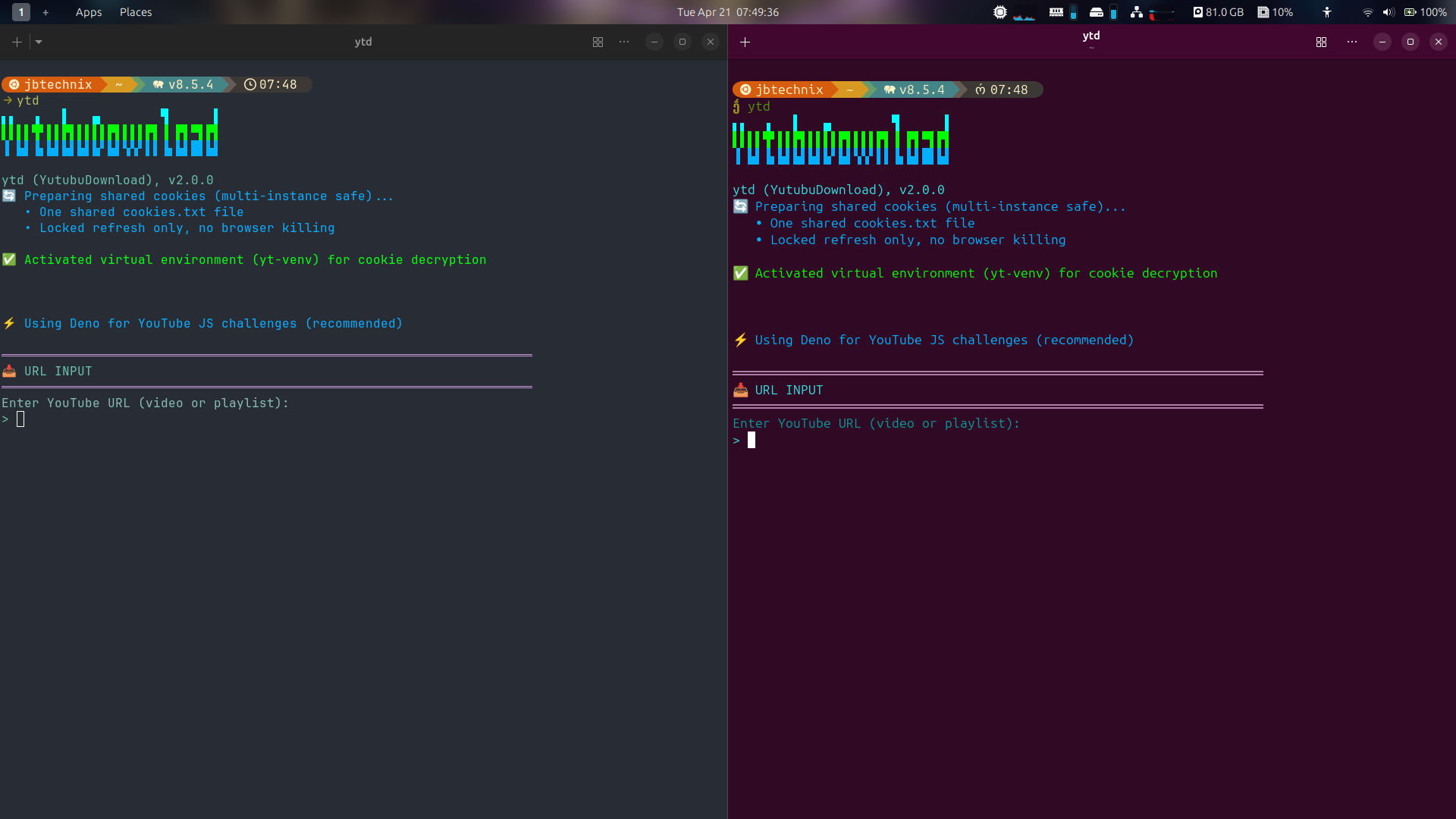
ytd initializing
1. Initialization
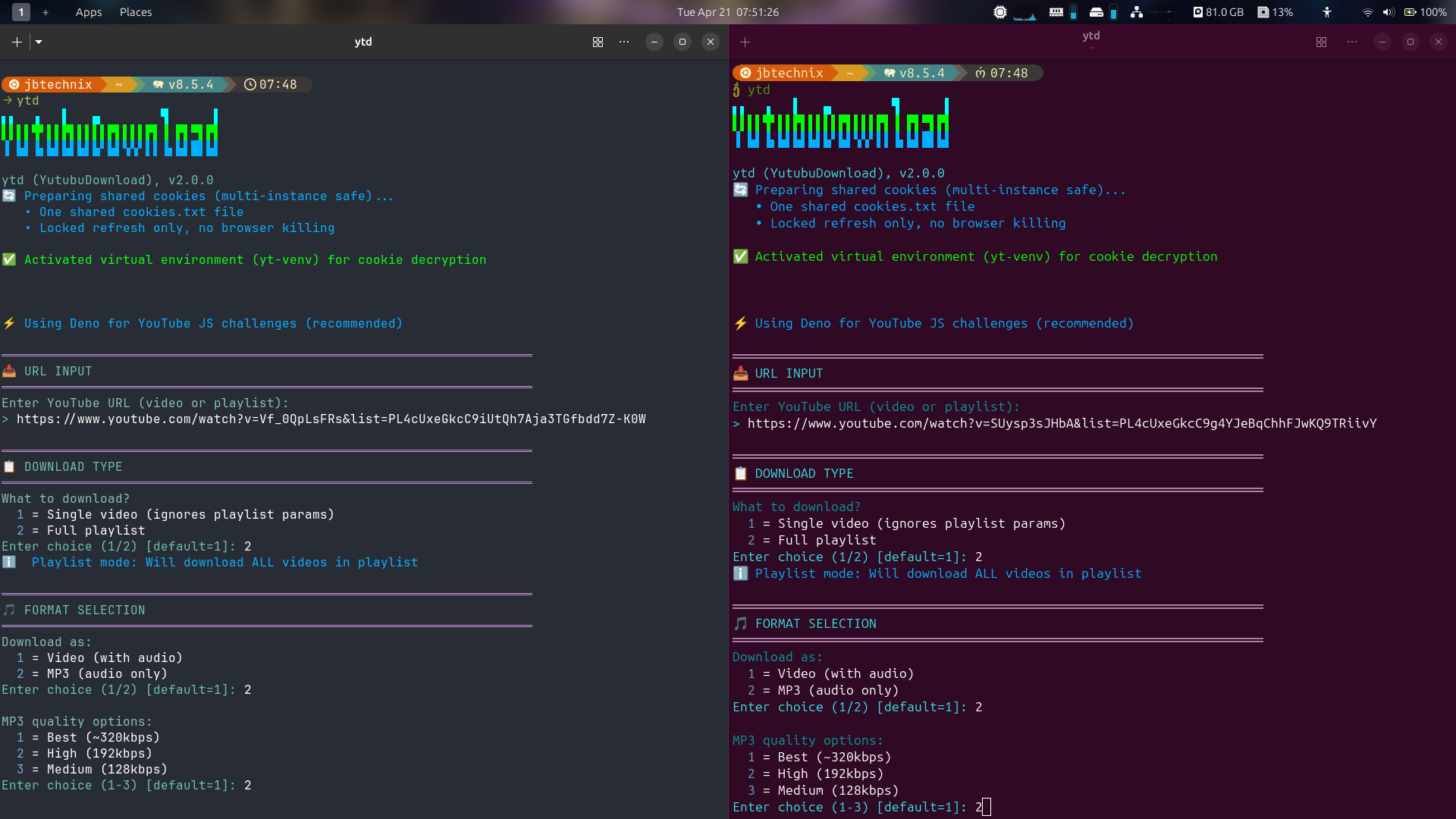
playlist download
2. Playlist start
playlist fetching
3. Fetching entries
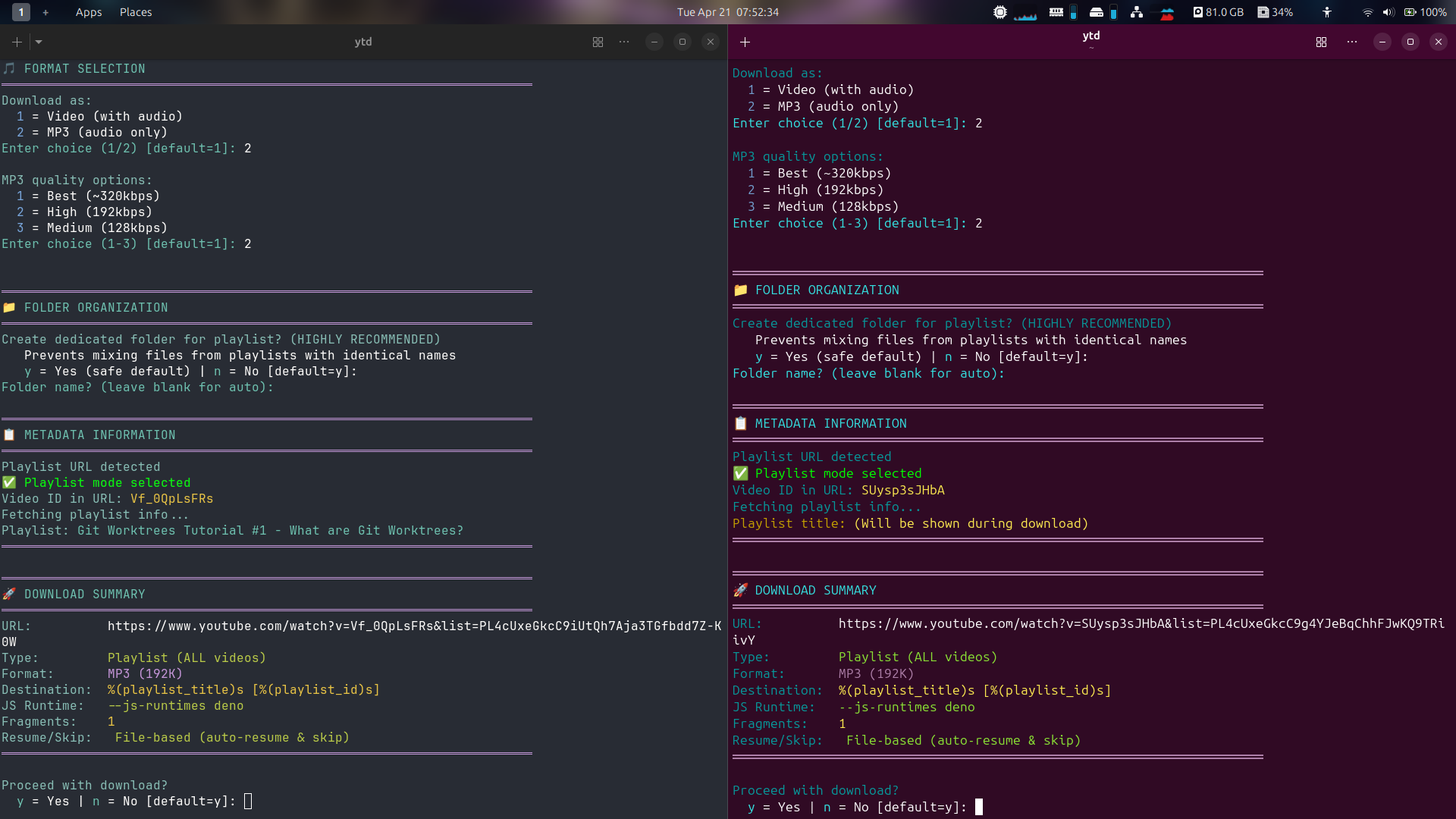
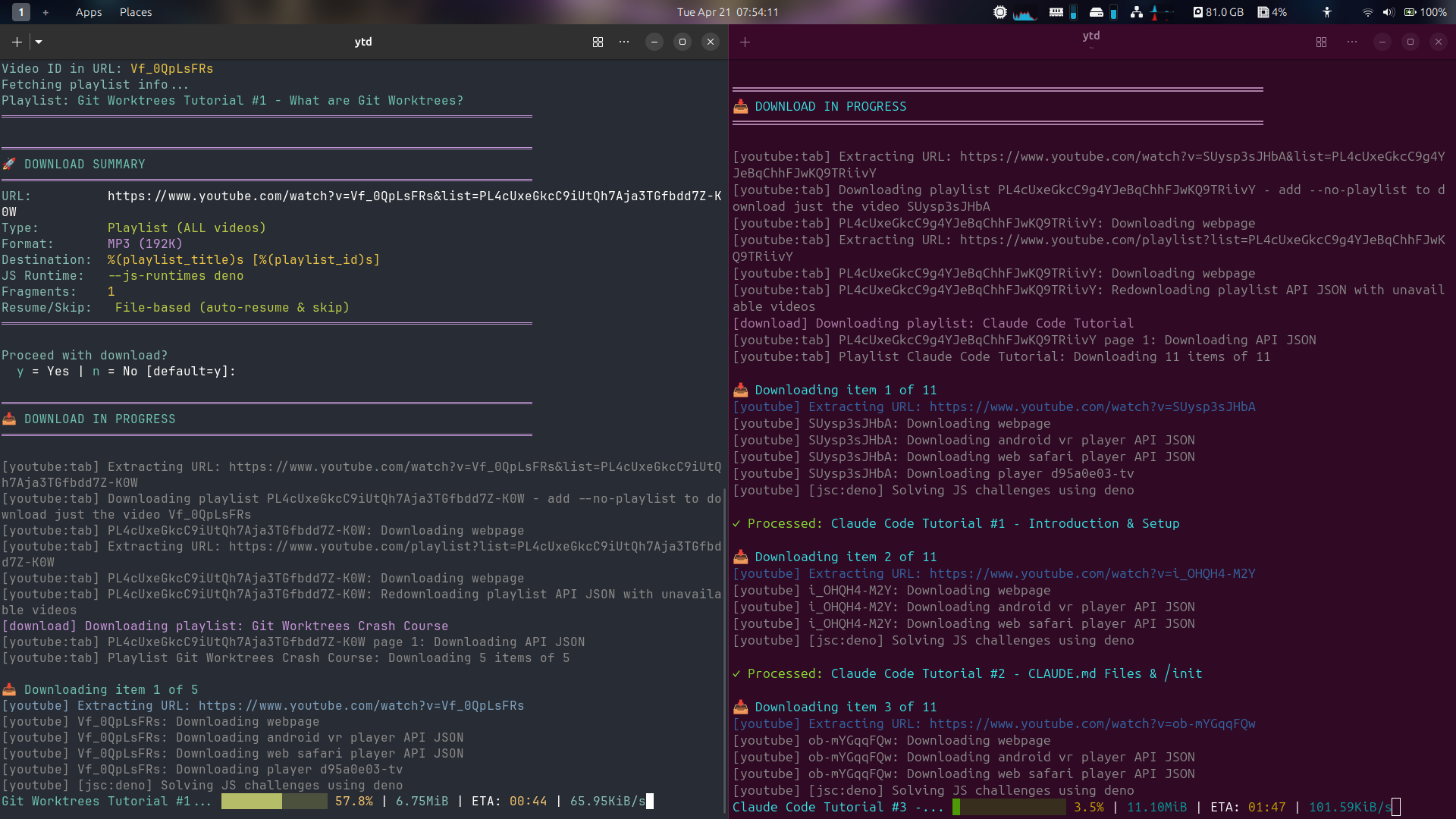
playlist videos downloading
4. Download in progress

Use Cases: Video, Audio, Playlist

Video Download

Paste video URL, choose single video mode, choose video output, then quality.

Audio Download

Paste URL, choose MP3 output, and pick 320k/192k/128k based on quality and size.

Playlist Download

Choose playlist mode, keep grouped folder enabled, and let the tool process each item safely.

Bottom Line

ytd v2.0.1 is not just another downloader wrapper. It is an engineered reliability stack designed for difficult real-world conditions, combining resilience, clarity, and operational safety in one tool.

Primary command: ytd | Compatibility command: YutubuDownload